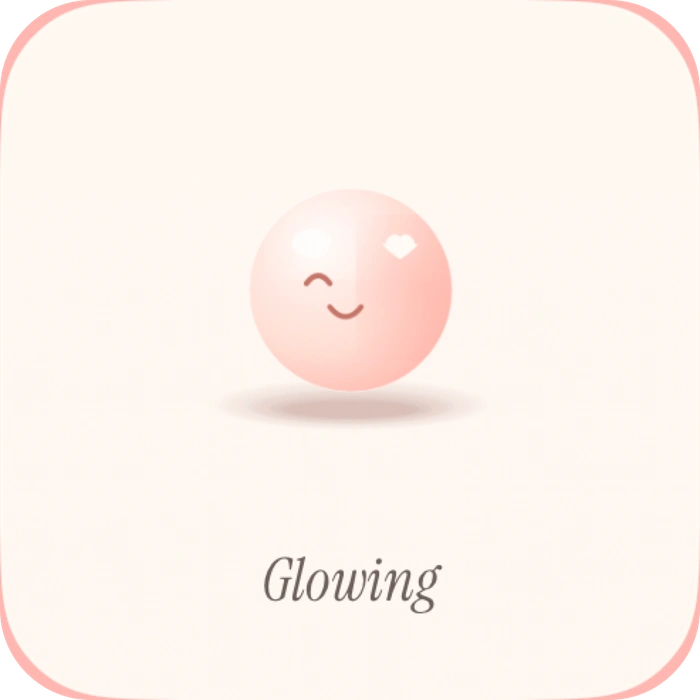
Share how you feel
Pick a mood and let them into your day.
 closer.

Share photos, moods, love notes and songs with your partner through iPhone widgets.
Free to download. Made for two.
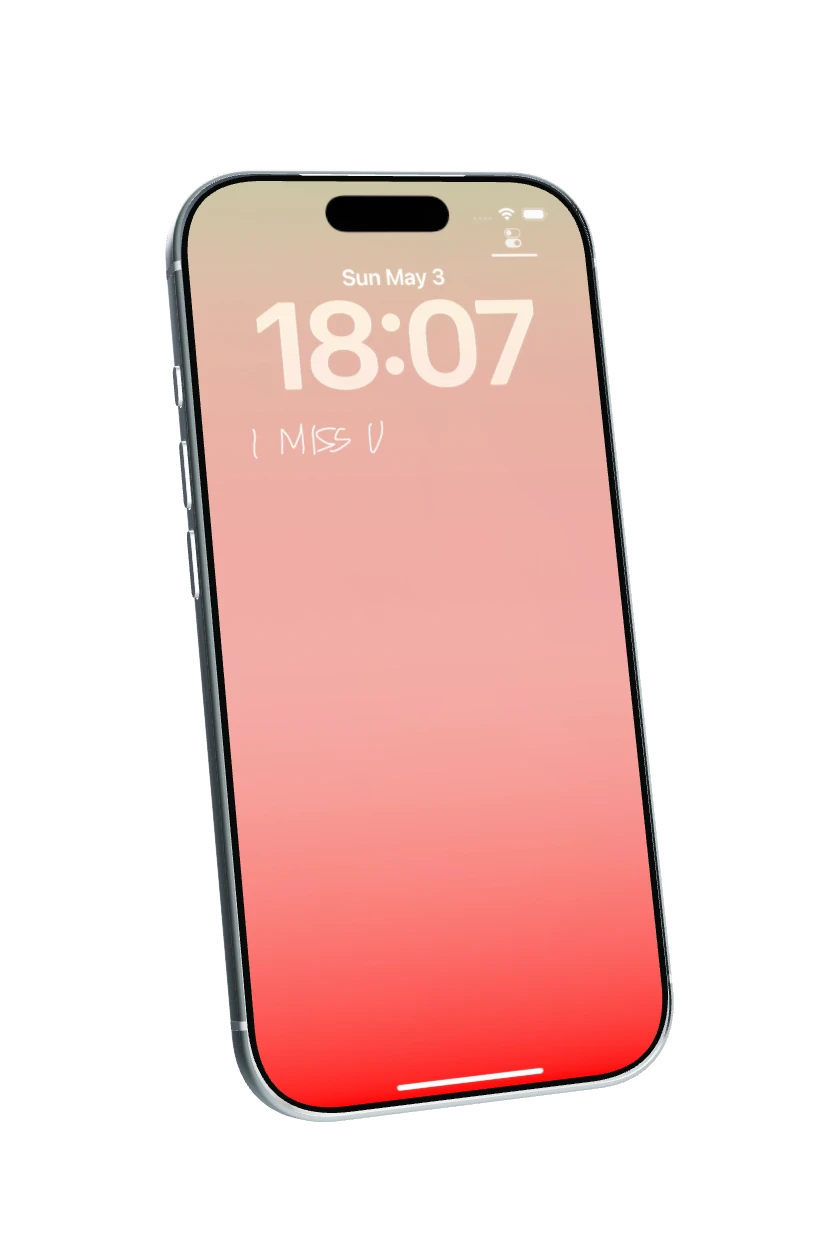
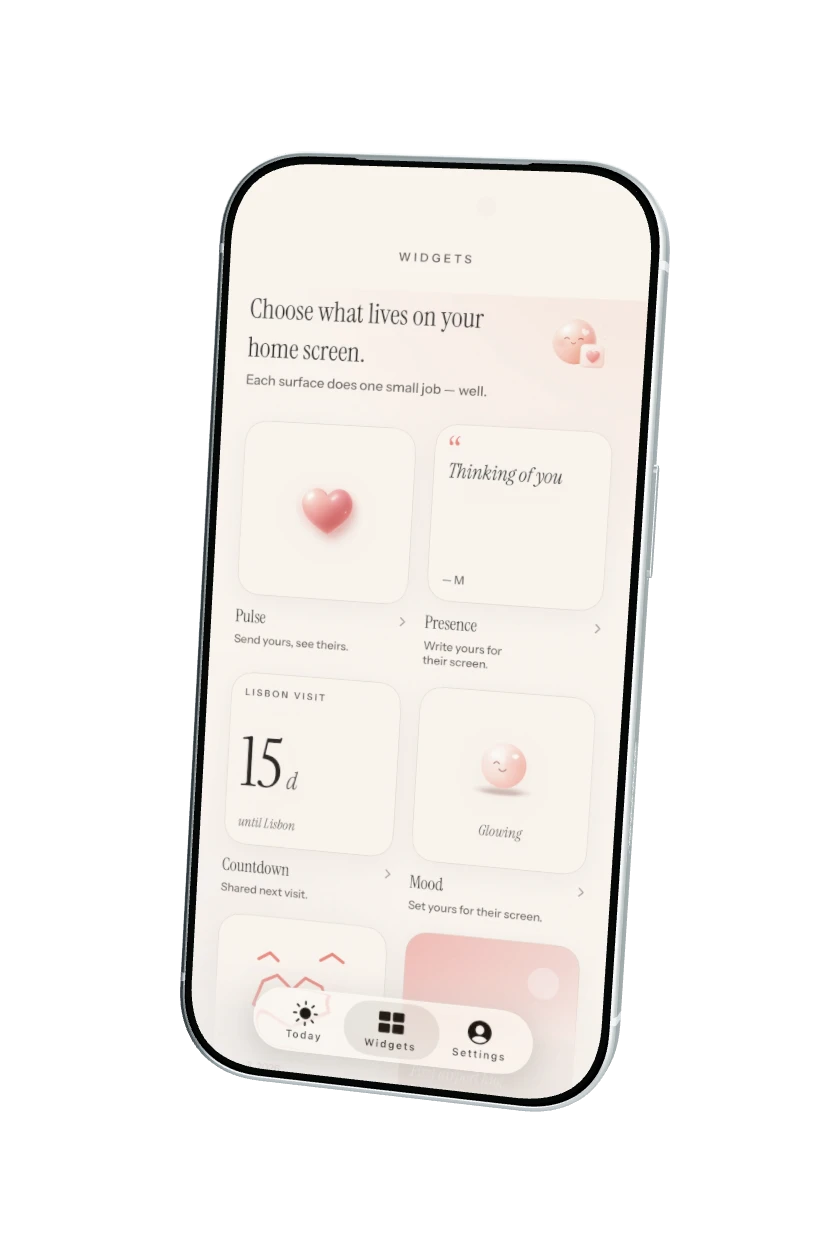
A feeling. A heart. A few words. Keep a little piece of each other on your Home Screen.
Pick a mood and let them into your day.

A heart, a hug, a kiss or a “miss you.”
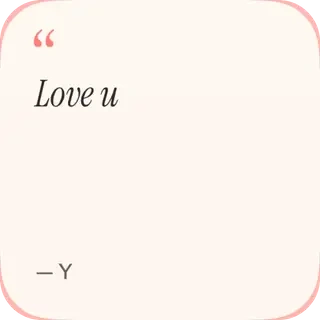
A small update, just for their screen.
For the ordinary moments you wish you could share in person.

Share the view, and yourself. Send a photo Moment with a caption and a front-camera photo when available.

Draw a little something only they would understand. They can open your note and send a drawing back.
Share a music link, artwork and the song you can’t get out of your head.
A few little reminders that the distance is only part of your story.
Set your next visit together. Keep the countdown close.
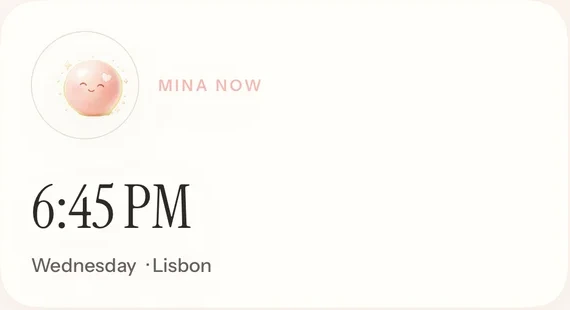
See their local time and the distance between you, with location permission on both phones.
Location and widget updates may be approximate or delayed.



The places you’ve been. The days you’ve shared. The moments you want to keep.
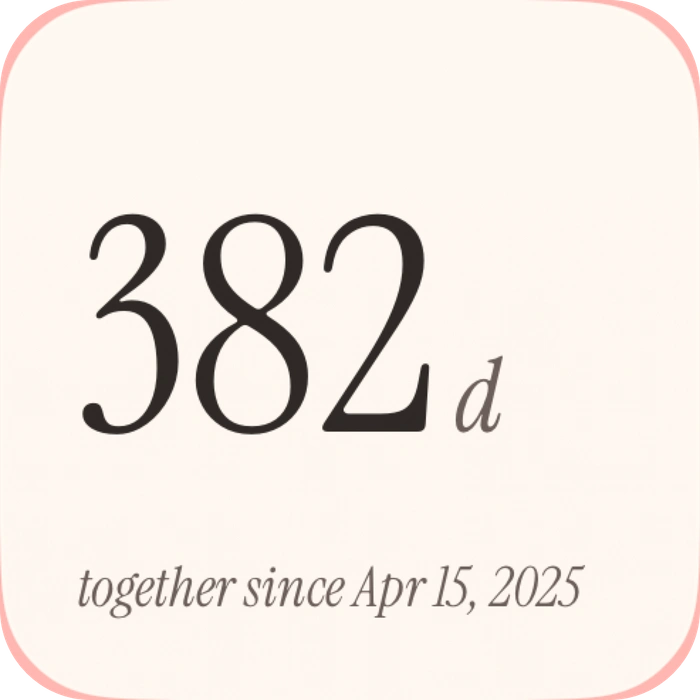
Set your relationship start date and celebrate the everyday, too.
Pin a photo with its date and place. Pro also offers optional 30-day history for future Moments and drawings.
You can start without Sign in with Apple.
Share your code with your partner to link your phones.
Add a Closer widget and send your first little update.
Linking Apple helps with account recovery.
Home Screen widgets are free.
Lock Screen widgets are included with Pro.
One Closer Pro purchase covers both linked partners.
Your everyday connection.
More room for your little things.
Monthly, annual and lifetime options. Current prices and terms are shown in the app.
Each sender opts in to history. Either partner can delete a saved entry. Unpairing removes shared history.
Closer is an iPhone couple widget app for two linked partners. Share moods, presence updates, love-note drawings, photo Moments, songs and memories. Widgets also show your distance, your partner’s time, your next visit and your days together.
Closer is designed for the small everyday connections that can help partners feel involved in each other’s lives. Photo widgets, mood sharing, time-zone widgets and visit countdowns suit couples in different cities or countries. It works for nearby couples, too.
Both partners can start free, with all Home Screen widget types and five intentional partner-facing updates per person per UTC day. Pro removes that update limit, adds Lock Screen widgets and offers optional 30-day history. One active Pro purchase covers both linked partners.
Yes. You can begin and pair without linking an Apple account. Closer creates an anonymous account for the connection. Sign in with Apple helps with account recovery; an anonymous account may not be recoverable if you lose your device or session.
Both partners download Closer and connect using a pairing code. Add a Closer widget using the iPhone widget gallery. Share an update in the app, and your linked partner can see it on their widget. iOS controls widget refresh timing, so updates and notifications may be delayed.
This Closer download is for iPhone running iOS 17 or later. An Android release is not offered on this page.
With each person’s location permission, Closer uses location information to show distance and partner time. It is not a live map or a safety-tracking service. Location updates can be approximate or delayed. You can change permission in iOS Settings.
Closer Pro offers optional shared history for 30 days of future photo Moments and love-note drawings. Each partner opts in separately. Either can delete an entry, and unpairing removes the shared history. Free accounts keep current widget content, without saved history.
Make a little room for each other.


